

Original-file viewers
How the workspace keeps document context beside the conversation.
Reader selection
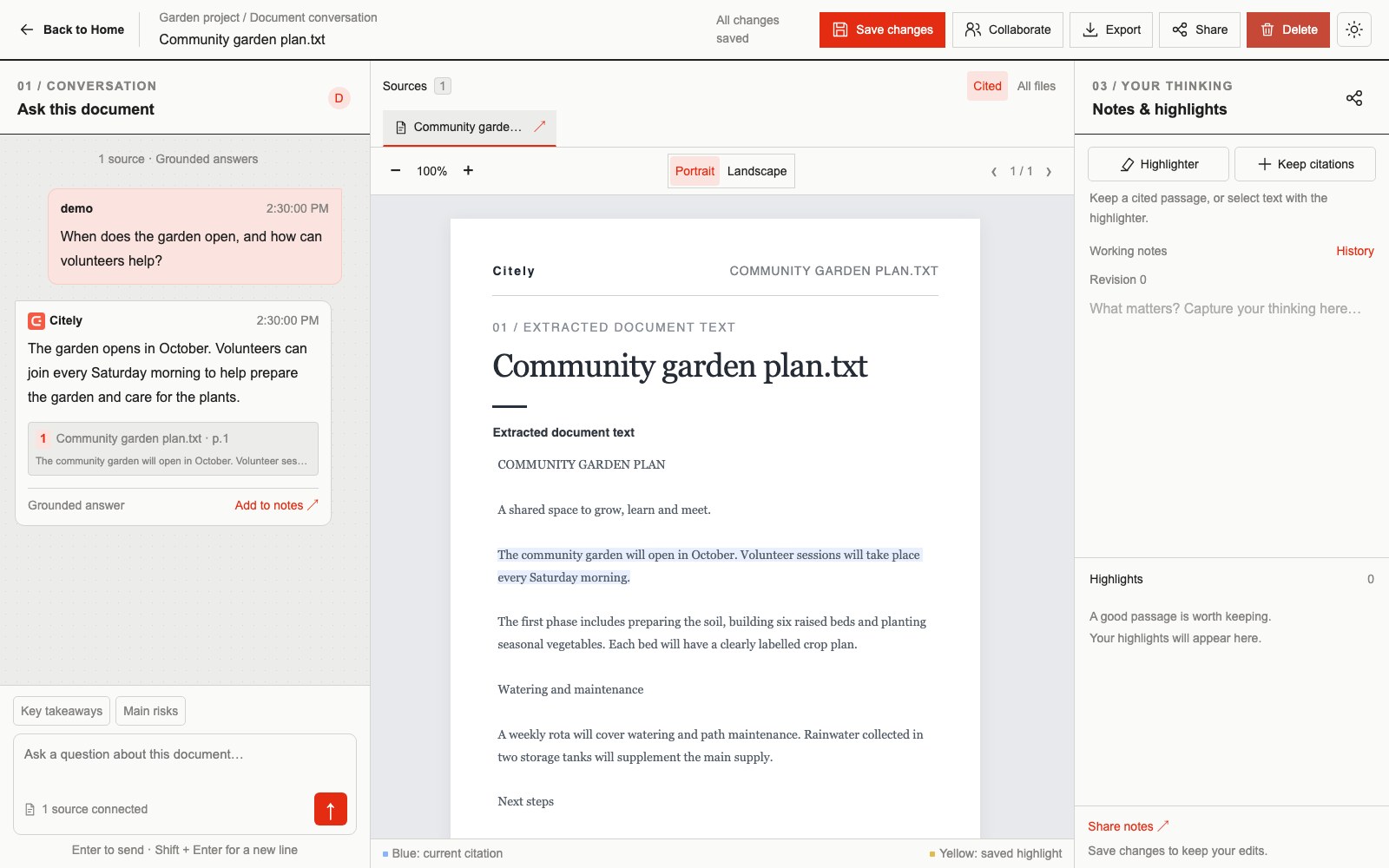
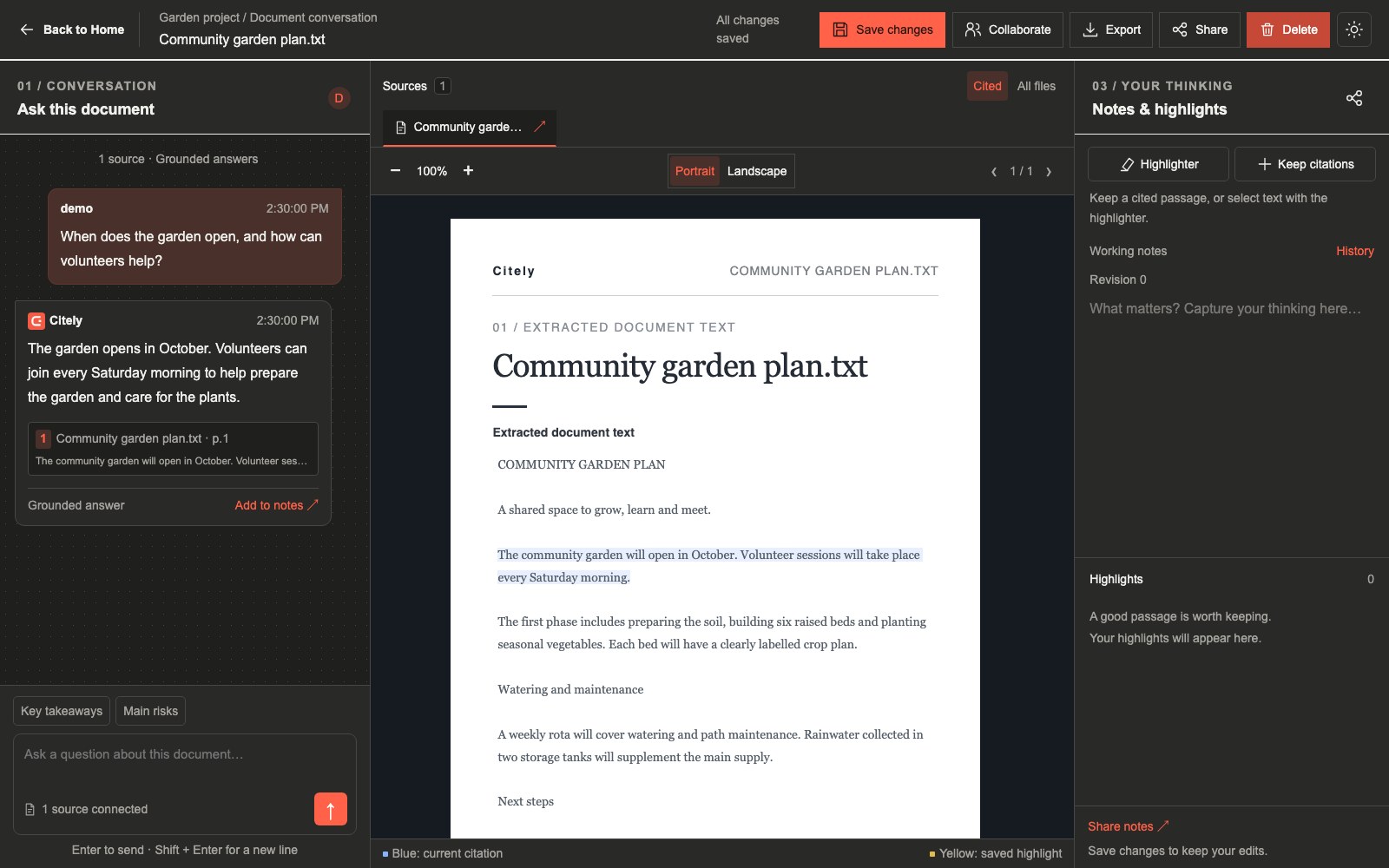
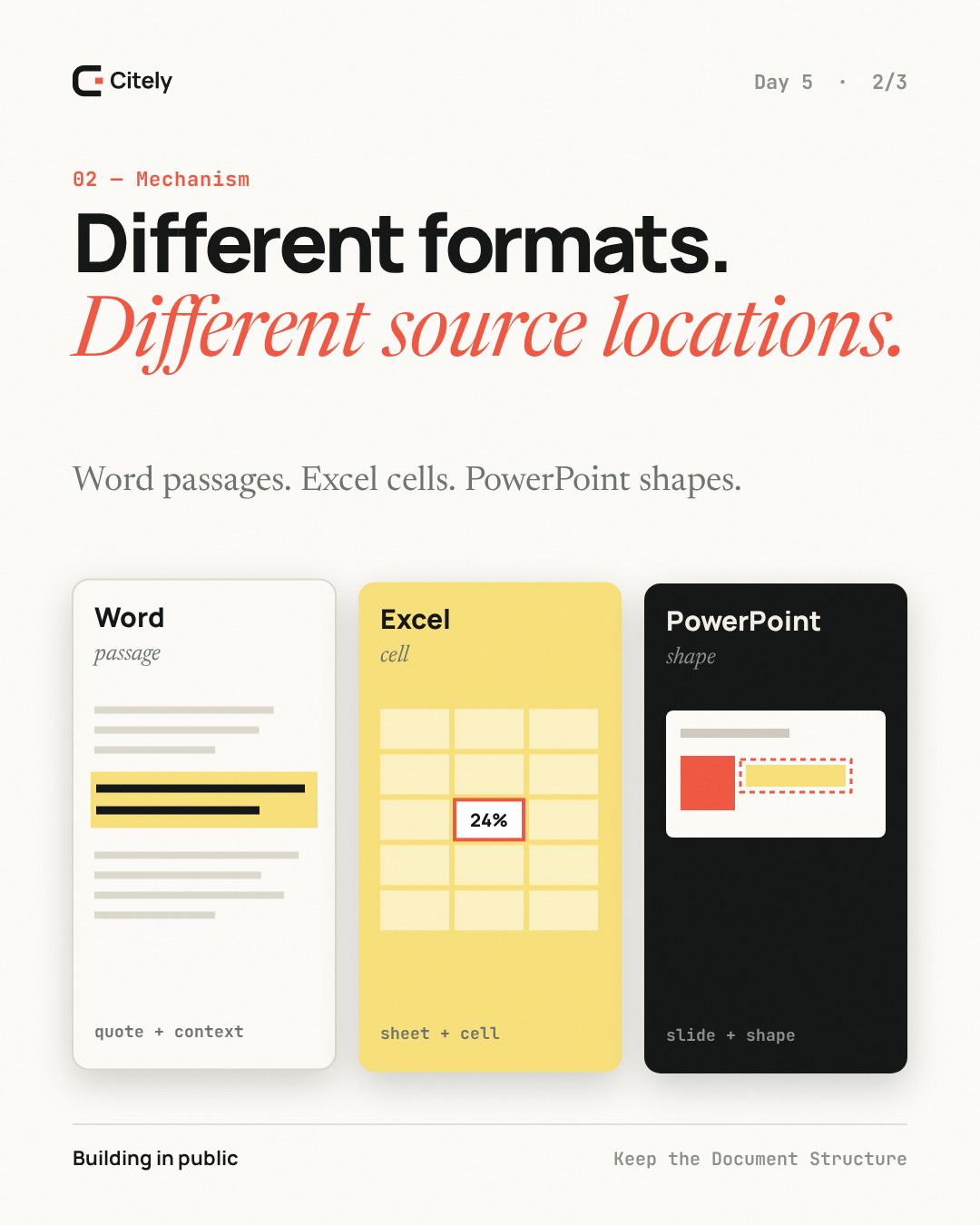
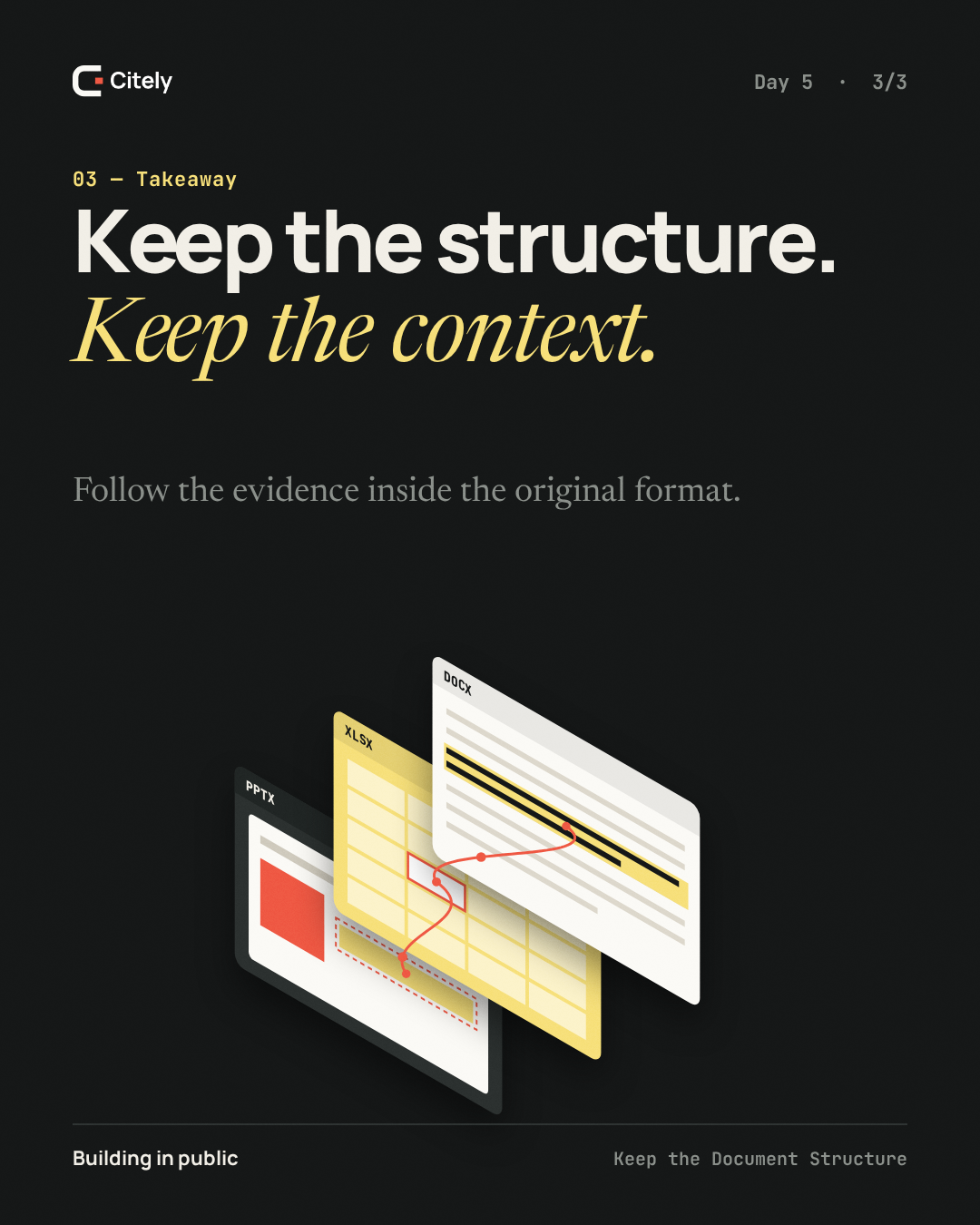
The workspace chooses a viewer from the document type. PDF and extracted-page content use page navigation; DOCX, XLSX and PPTX have browser readers designed to preserve more of the original structure.
Office documents
DOCX rendering uses docx-preview. Spreadsheet viewing uses SheetJS Community for workbook data and AG Grid Community for a virtualized grid. PowerPoint rendering uses pptx-renderer. Citely adds its own citation targeting and selection behavior around these libraries.
Known fidelity boundaries
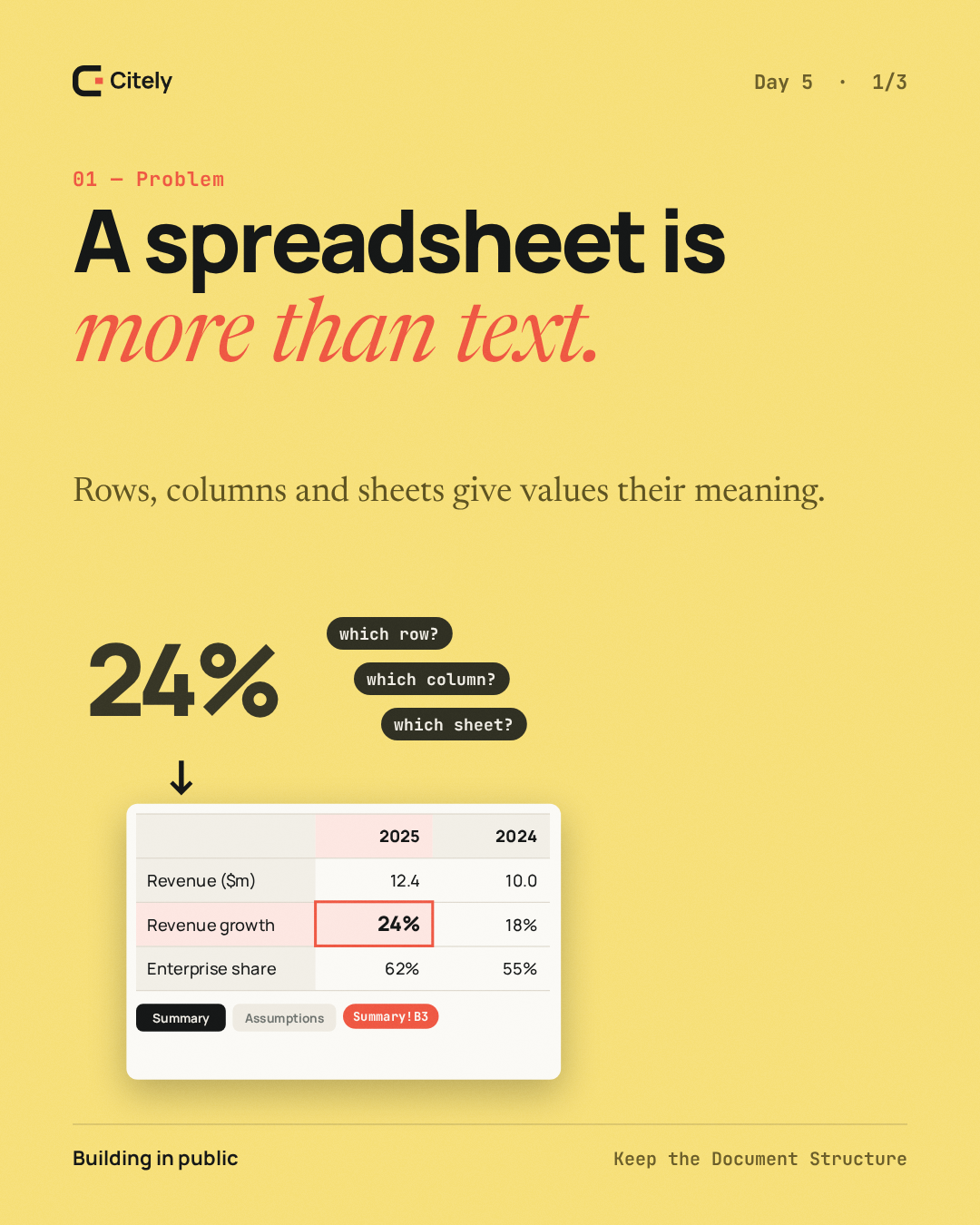
Browser readers do not reproduce every desktop-office behavior. Spreadsheet charts are not rendered, uncached formula results may be unavailable and complex layout can differ. The original file remains the authority when visual fidelity matters.
Version-safe navigation
A citation or manual annotation is applied only when its document and extraction version match the open source. A stale or unresolved target is reported rather than painted onto an unrelated page or cell.