

How Citely works
From an uploaded document to an answer you can inspect. Follow the evidence and return to the conversation when you need it.
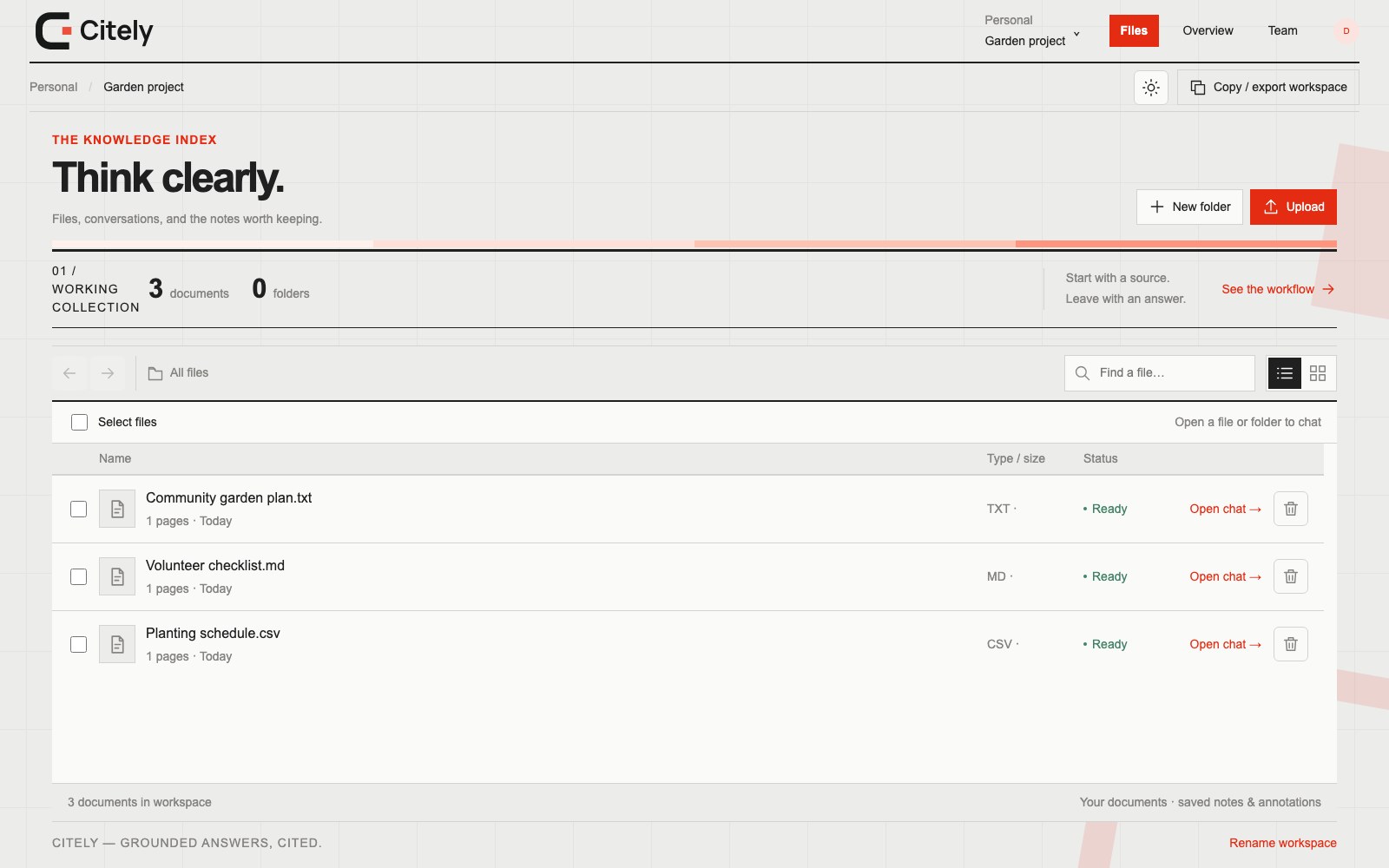
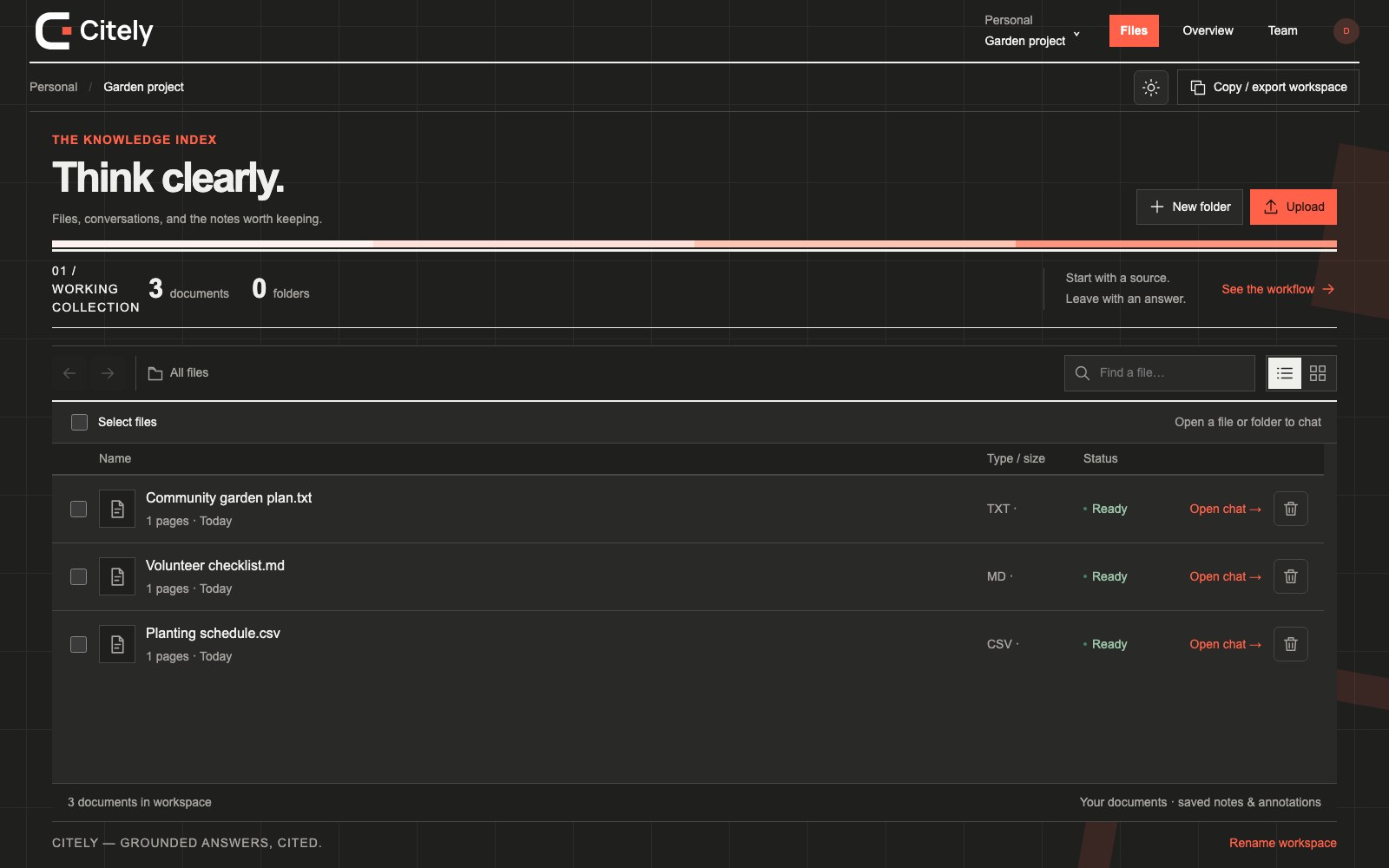
1. Upload and wait for readiness
Sign in, open Home and choose Ingest a document. Processing extracts the text and prepares it for questions. Wait for the document to be ready; a selected file is not yet a searchable document.
2. Ask a specific question
Open the document conversation and ask about its contents. Include the topic or detail you want to understand. If the available passages do not support an answer, Citely can report that there is insufficient evidence.
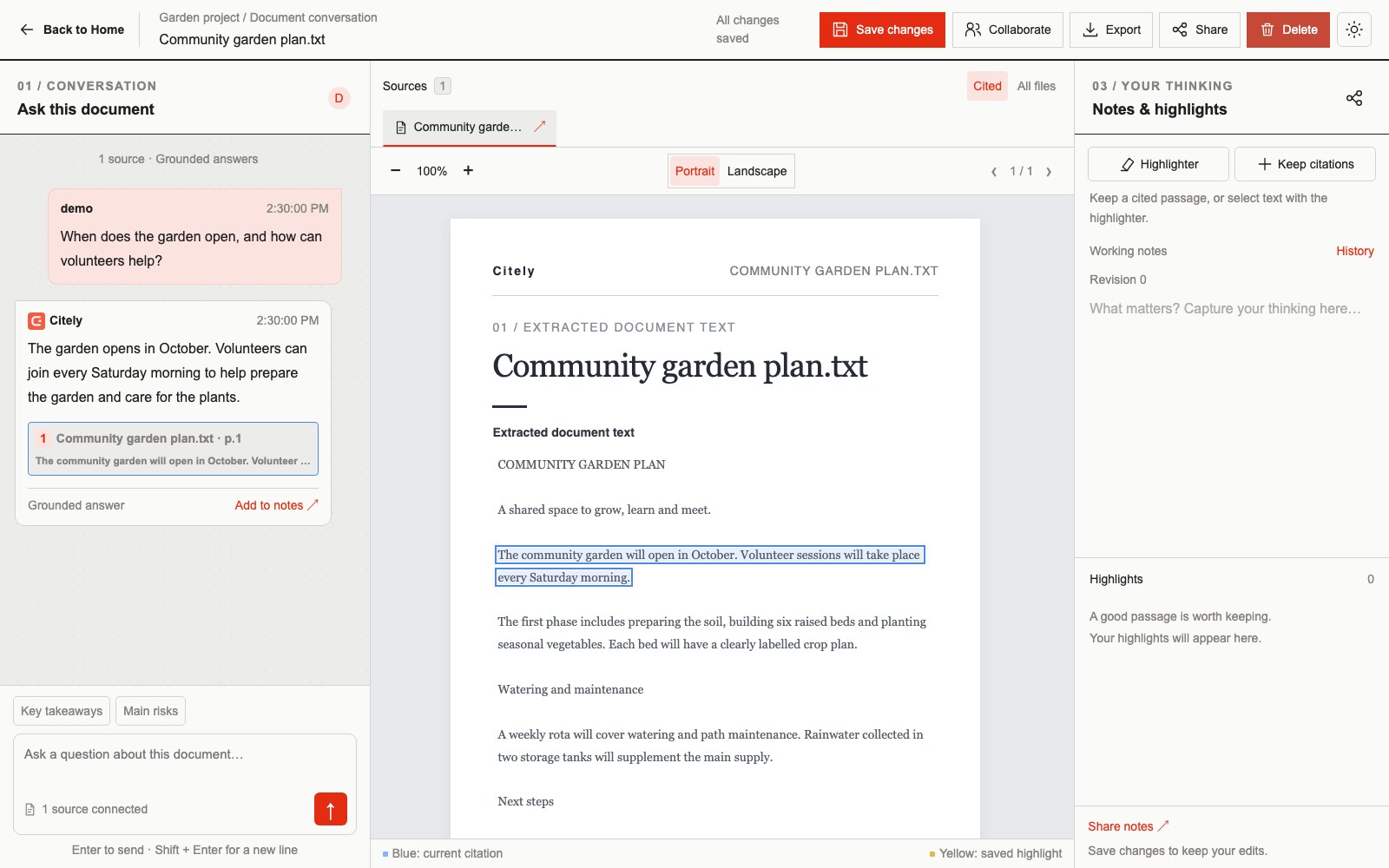
3. Inspect the cited passage
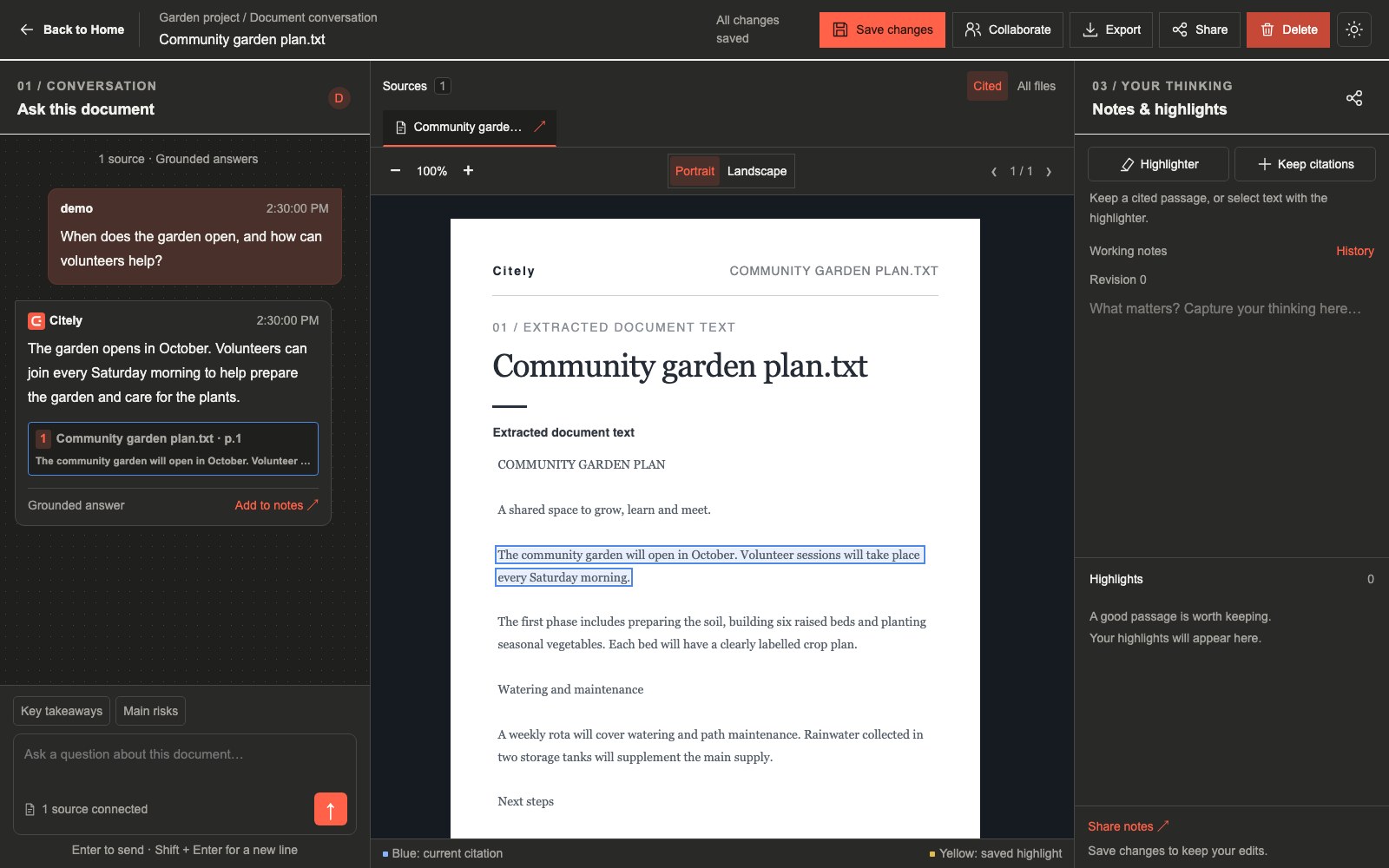
Select a citation to open the document and navigate to the page. When the source location is available, the reader highlights that precise passage. Compare the answer with the original text.
4. Keep useful work
Keep citations, make manual highlights and save working notes. Return to the conversation to continue. Notes have revision history so you can inspect and restore an earlier version.
During beta
Extraction and generated answers can be incomplete. Review the evidence before relying on a response. A missing passage location is shown explicitly rather than highlighting a whole page.