

Source citations you can inspect
Move from a generated answer to the source excerpt behind it, within the same workspace.
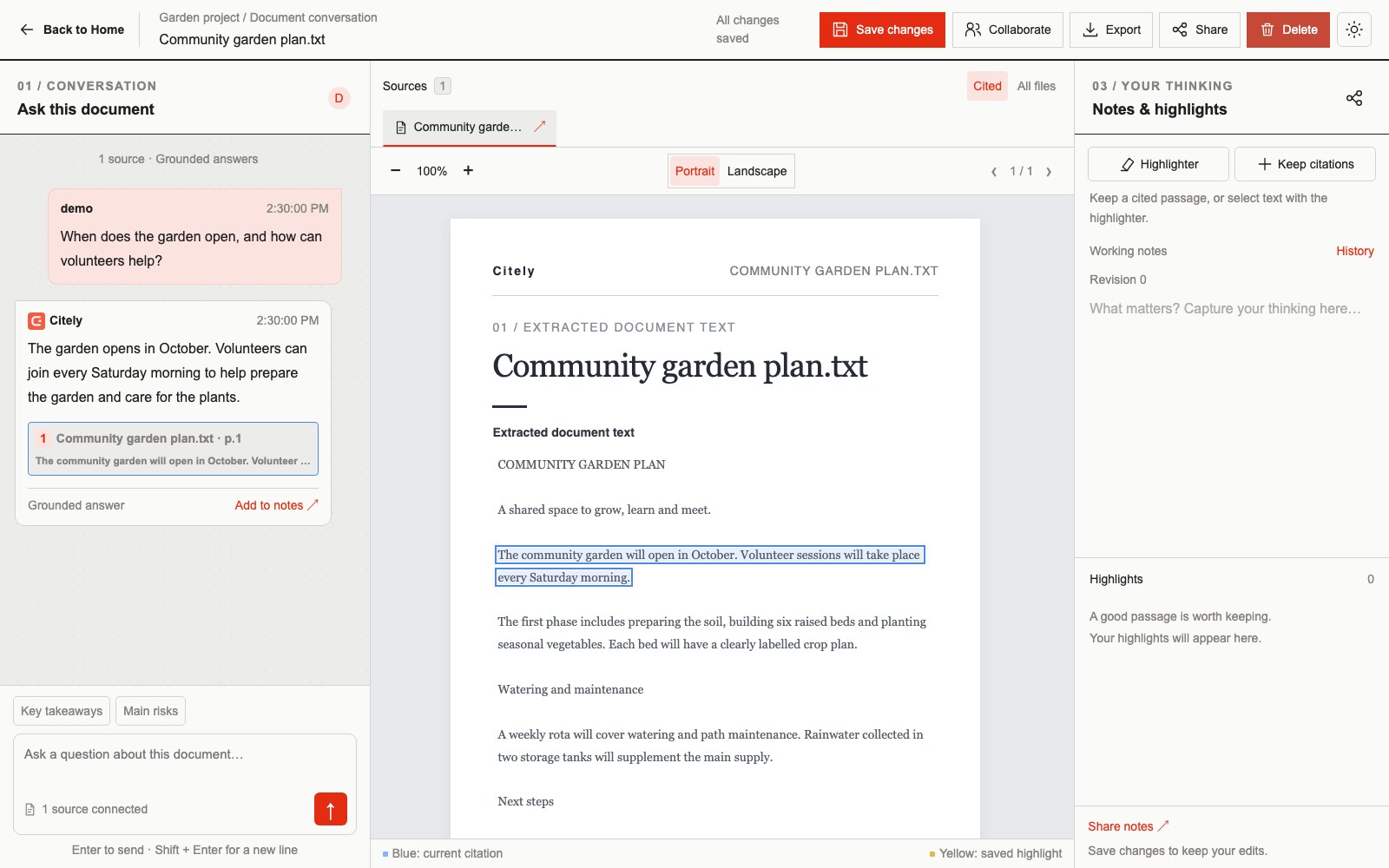
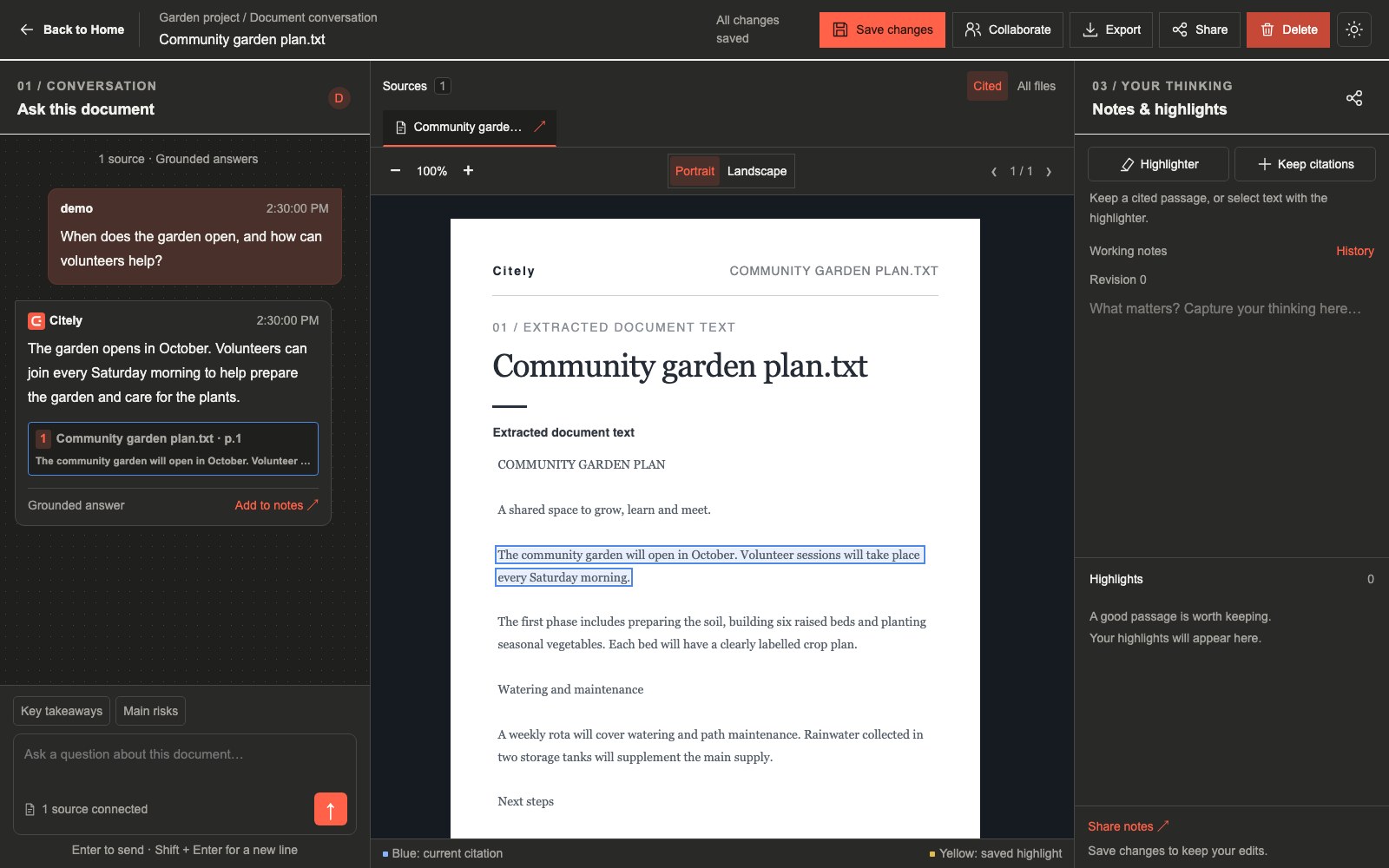
Follow a citation
Select a citation button to open its document, navigate to its page and bring the cited passage into view. Only the selected citation becomes active. Separate source ranges can be inspected independently.
Highlight the exact passage
When a passage has a valid location, Citely highlights only that text. Overlapping citation results are combined so the answer does not need a row of duplicate buttons for the same passage.
Keep the evidence
Keep citations as saved annotations or select text on one page to create a manual highlight. Working notes and their revision history let you build on the material you have checked.
When a location is unavailable
Some citations cannot be located precisely in the extracted text. The citation still opens the source and page, but displays “Precise passage location unavailable.” Citely does not substitute a full-page highlight. Re-extraction can also change saved passage locations.
A citation is not a guarantee
A located quotation confirms where text appears. It does not prove that every conclusion in an answer follows from that text. Read the passage and its surrounding context.