

Chat with your documents
Ask focused questions about uploaded material and inspect the passages used in the response.
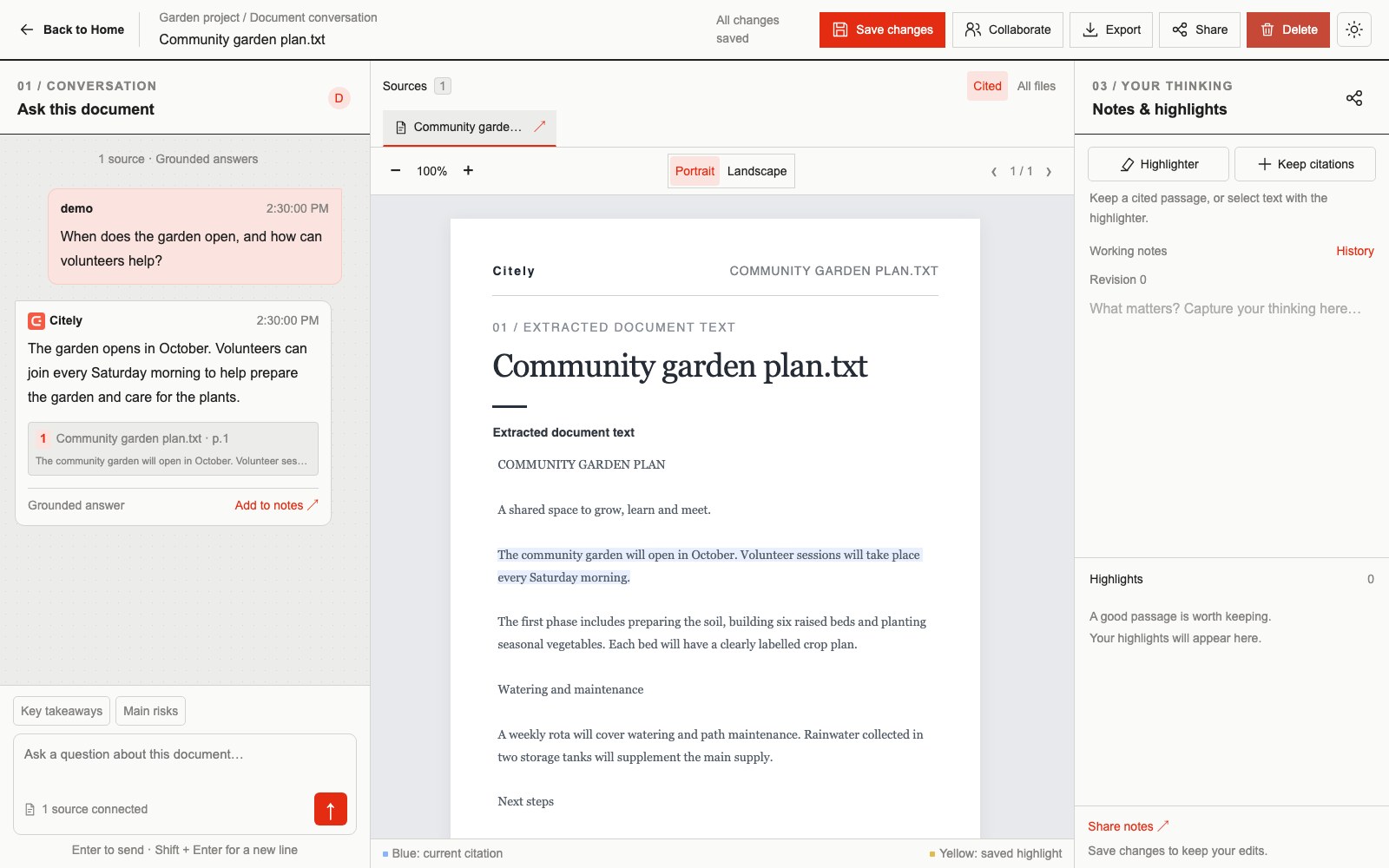
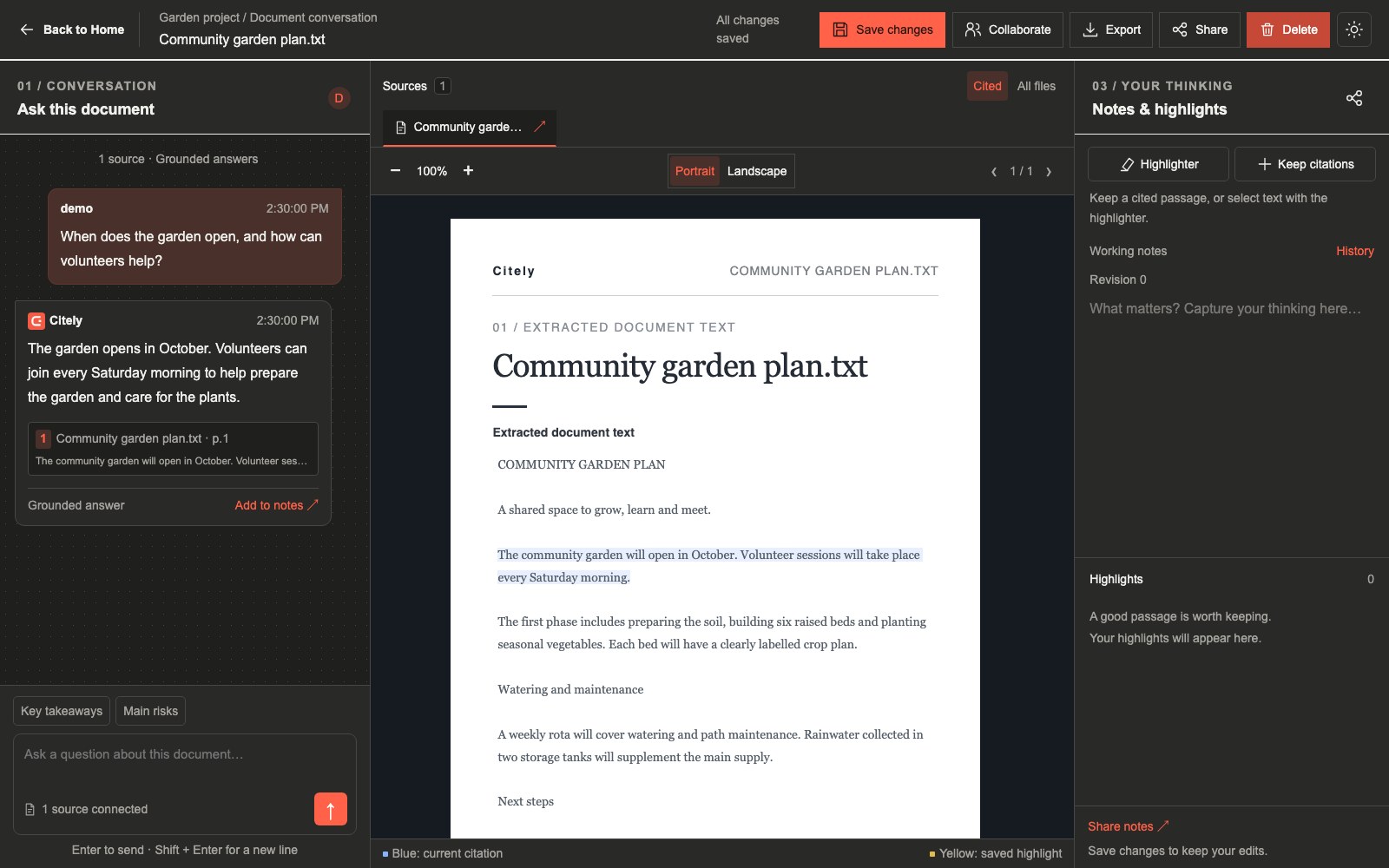
Start with a ready document
Upload a file from Home and wait for processing to finish. Then open its conversation and ask a question about the content. Clear questions about a specific subject are easier to check against the source.
Text and tabular inputs
Upload TXT, Markdown (.md), JSON or CSV files to work with text and tabular information. CSV extraction keeps column names with the values so a row retains its context. The upload picker offers additional formats, whose extraction can depend on external processing services and the structure of your file.
Connect related material
Folder conversations let you ask questions across connected documents. Choose related sources and inspect which document each citation comes from.
Continue your work
Saved conversations, kept citations, manual highlights and revisioned notes support returning to earlier work. Notes remain editable without changing the underlying source document.
Beta limitations
Scanned pages, complex layouts and unsupported questions can limit the result. Confirm that processing completed and inspect the source excerpts. Citely may return a verified excerpt or an insufficient-evidence response when it cannot verify a generated answer.